
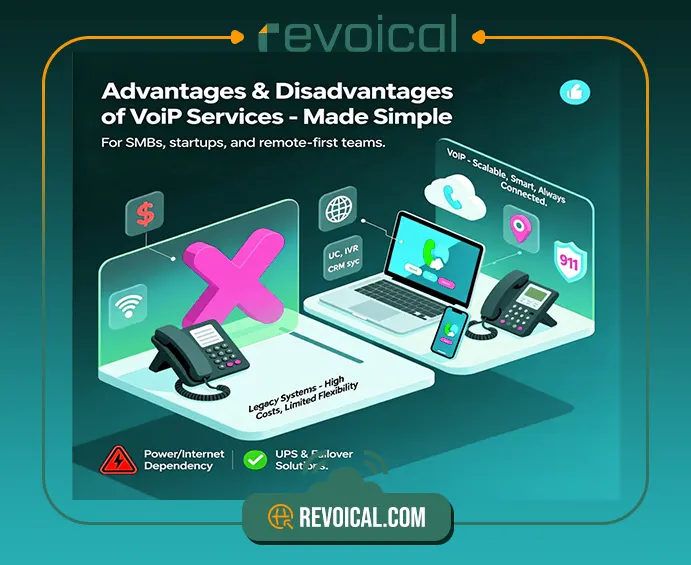
Choosing a business phone system often starts with the same questions: will VoIP for small business sound as clear as a landline, what happens during an Internet or power outage, how much bandwidth do we need (and is Wi-Fi enough), is VoIP secure and can it call 911/E911, and do features like queues, IVR, call recording, analytics, and CRM integrations actually reduce costs?
To answer these questions, this blog explains what VoIP is in plain English, walks through the key advantages and disadvantages of VoIP, and shows when a Hosted PBX/UCaaS setup is the right fit for a growing team. By the end, you’ll have a practical view of VoIP vs. traditional lines—including call quality, reliability, TCO, security, and day-to-day usability. So you can choose a small business VoIP solution that matches your budget and the way your team actually works.
Definition of voip

Before analyzing and examining the advantages and disadvantages of VoIP as a telecommunications service, we need to have a general definition of it.
In the definition of VOIP or Voice over Internet Protocol lets your business make and receive calls over broadband instead of copper lines. Your voice becomes digital data and travels across VoIP networks to the other party. You can use softphones (apps on laptops and mobiles), IP desk phones, or even a browser tab. That’s why many startups and SMBs choose VoIP solutions for business—it works anywhere you have Internet.
Related post: What Is VoIP
The Advantages of VoIP for Small Businesses

Why do so many teams switch to VoIP? Because it reduces friction and adds features you actually use every day.
1. Lower, more predictable costs (TCO)
One of the most important advantages of VoIP services is affordable costs. With VoIP business phone service, you typically pay per user/month and reuse the Internet you already have. Long-distance and international rates are usually lower, and you avoid buying PBX hardware. For Canadian small businesses, VoIP makes multi-site calling local and predictable.
See: Revoical Hosted PBX pricing
2. Work from anywhere (softphone, browser, mobile)
With a small business VoIP phone system, your team isn’t tied to a desk. Employees can place and receive business calls from a softphone on their laptop, a WebRTC browser tab with a headset, or the mobile app on iOS/Android—using Wi-Fi in the office or LTE/5G on the road.
Presence and call controls stay consistent (answer, mute, transfer, hold, record), and calls can hand off between devices without dropping. Push notifications mean reps don’t miss inbound calls, while visual voicemail and voicemail-to-email keep follow-ups moving.
For sales, service, and hybrid teams, this flexibility turns any location into a reliable workspace—no new wiring, just the VoIP business phone service you already manage.
3. Built-in features (UCaaS) — real tools you’ll use every day
With a modern small business VoIP phone system (cloud UCaaS/Hosted PBX), the essentials are already included—no extra boxes or bolt-ons. You get call queues to spread workload, an IVR to route callers without reception, voicemail-to-email so messages never sit unheard, call recording and analytics for coaching and QA, plus CRM/app integrations that log calls automatically.
This is the benefit VoIP buyers care about most: enterprise-grade features without on-prem hardware and the freedom to work anywhere. It all runs from softphones or a browser as easily as from IP desk phones, so your team stays productive in the office and on the move.
Explore: Revoical Hosted PBX Features
4. Easy scaling for startups and multi-site teams
Growing from five people to fifteen, or adding a second location, shouldn’t require rewiring or on-site visits. One of the advantages of VoIP services is the solution it provides for this issue. A cloud VoIP solution for startups lets you add users, extensions, and numbers in minutes, apply role-based templates (sales, support, admin), and auto-provision IP phones when you need hardware. Seasonal hires can use softphones right away, and when they roll off, you simply reclaim the licenses. That’s simple, predictable scale for voip for small business as you expand.
5. Numbers and local presence you control
Another advantages of void is: you can Order virtual phone numbers, port your existing lines, and manage caller ID, business hours, and routing (by team, skill, or schedule) from a single admin panel. You can present a local presence in multiple cities, route overflow to queues or mobile apps, and keep everything consistent across Canada and the U.S.—all within your VoIP business phone service.
See related feture from Revoical Hosted PBX: Numbering & Porting
The Disadvantages of VoIP (and how to manage them)
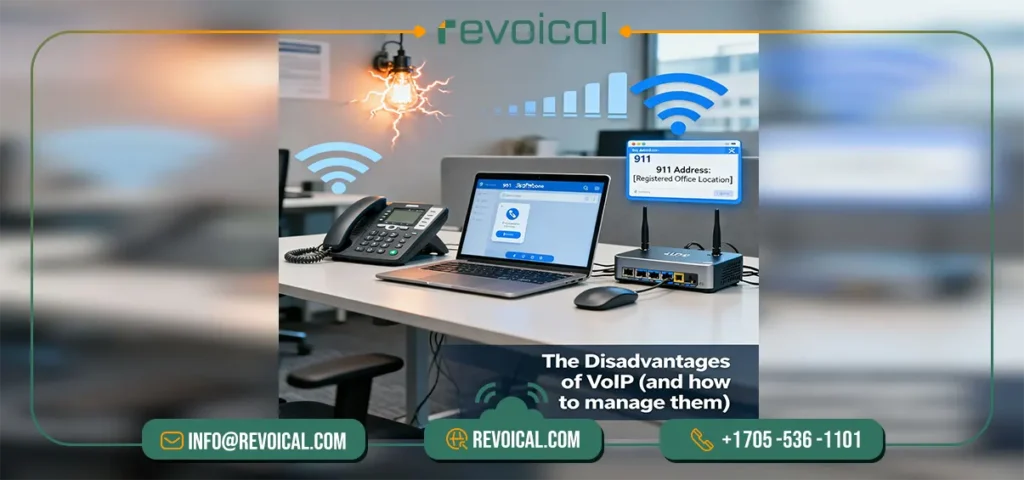
Even the best small business VoIP phone system has trade-offs. The good news: each drawback has a practical fix. Use this section as a simple checklist so your VoIP business phone service stays reliable day to day.
1. Depends on power and Internet
one of the disadvantage of VoIP is the dependence on your office power and broadband. If either goes down, calls can be interrupted.
The fix is straightforward: keep the modem/router and switch on a small UPS, and add a basic Internet failover (dual-WAN or LTE/5G router).
Many teams also keep one or two mobile lines as an emergency backup. With these in place, most “outages” feel like short hiccups—not full downtime.
Read more: Infrastructure, High-Availability & Networking
2. Quality follows your network (latency, jitter, packet loss)
Choppy audio usually means the network is busy or unstable. Three settings make a big difference:
- Enable QoS on your router so voice gets priority over big downloads.
- Prefer Ethernet for desk phones and critical users; use clean, uncrowded Wi-Fi only where wiring isn’t practical.
- Make sure your ISP plan comfortably covers peak usage; each concurrent call needs roughly ~100 kbps up & down.
With these basics, VoIP for small business sounds consistently clear.
Explore Revoical Hosted PBX Features : Monitoring, Reporting & Analytics
3. 911/E911 needs an accurate service address
E911 routes your call based on the registered address on file with your provider. If you move desks, offices, or add a new site and forget to update it, responders may go to the wrong place. Add a quick admin habit: keep the address current, publish a one-page “how to call 911” note for staff, and run a short annual test so everyone knows what to expect.
4. Device and setup choices (softphones vs. IP phones)
Softphones (laptop or mobile apps) are flexible and cut hardware cost; IP desk phones feel familiar, stay rock-solid on Ethernet, and are great for shared desks or reception. Most SMBs deploy a mix: softphones for mobility and quick onboarding, IP phones where reliability and shared use matter. Start with softphones during your pilot, then add IP phones where they’ll have the biggest impact.
See: Mobility & End-User Experience
Plan for power/Internet continuity, give voice traffic a clear lane, keep E911 info up to date, and choose endpoints that match how your team works. With these simple steps, the common disadvantages of VoIP for small business become manageable—and your Hosted PBX/UCaaS runs smoothly as you grow.
Benefits of VoIP vs Traditional Lines: When VoIP Is (and Isn’t) the Best Fit

Here’s a quick, real-world guide to when VoIP for small business is the right call—and when landlines or a hybrid setup make more sense.
- When to choose VoIP
Go VoIP if you want modern features, quick scaling, and remote-work support. It’s ideal for small business VoIP deployments, VoIP solutions for startups, and multi-site teams that need softphones, browser calling, queues, IVR, recording, and CRM integrations.
- When to keep some landlines
Maintain a few landlines only where power/Internet are unreliable or regulations require it. They’re a simple safety net while you improve connectivity or add LTE/dual-WAN failover.
- When to go hybrid (VoIP + mobile)
Use a hybrid for field teams who live on the road but still need a VoIP business extension for CRM logging, analytics, and consistent caller ID.
Related Post: VoIP vs Landline vs Mobile
Conclusion
For small teams, the trade-off is clear: the advantages of VoIP—modern features, easy scaling, and predictable costs—usually outweigh the downsides once you plan for basics like a UPS, simple LTE/dual-WAN backup, and QoS. Keep a couple of landlines only where power/Internet are unreliable, and pair mobile with a VoIP extension for people on the road. Do that, and you get clear calls, clean reporting, and a phone setup that fits how your team actually works.
Want the benefits of voip without the hassle?
In Revoical , we gives you an AI-ready VoIP phone system with queues, IVR, recording, analytics, and CRM integrations—set up fast, scale cleanly, and stay reliable across offices and remote teams. Explore Features or Request a demo to see it in action.
FAQ
Yes—most teams see lower TCO with a VoIP phone system (Hosted PBX/UCaaS) because you pay per user/month, reuse your Internet, and many features (IVR, queues, recording, analytics) are included.
VoIP depends on power and Internet, and call quality is sensitive to latency, jitter, and packet loss. A small UPS, LTE/dual-WAN failover, and QoS on the router mitigate these risks.
On a well-set network, yes. Plan ~100 kbps up/down per concurrent call, prefer Ethernet for critical users, and enable QoS so voice traffic isn’t delayed by large downloads.
This is a key advantage of VoIP: staff can use softphones and browser calling from anywhere, while offices can still use IP phones. You get flexibility without extra wiring.
VoIP 911 relies on your registered service address and may be affected during power/ISP outages. Keep the address updated, add UPS + backup Internet, and share a simple emergency call procedure with staff.




No comment